Troubleshooting
Fixing Common AI Image Generation Problems
Diagnose weak composition, unwanted details, muddy lighting, and inconsistent results.
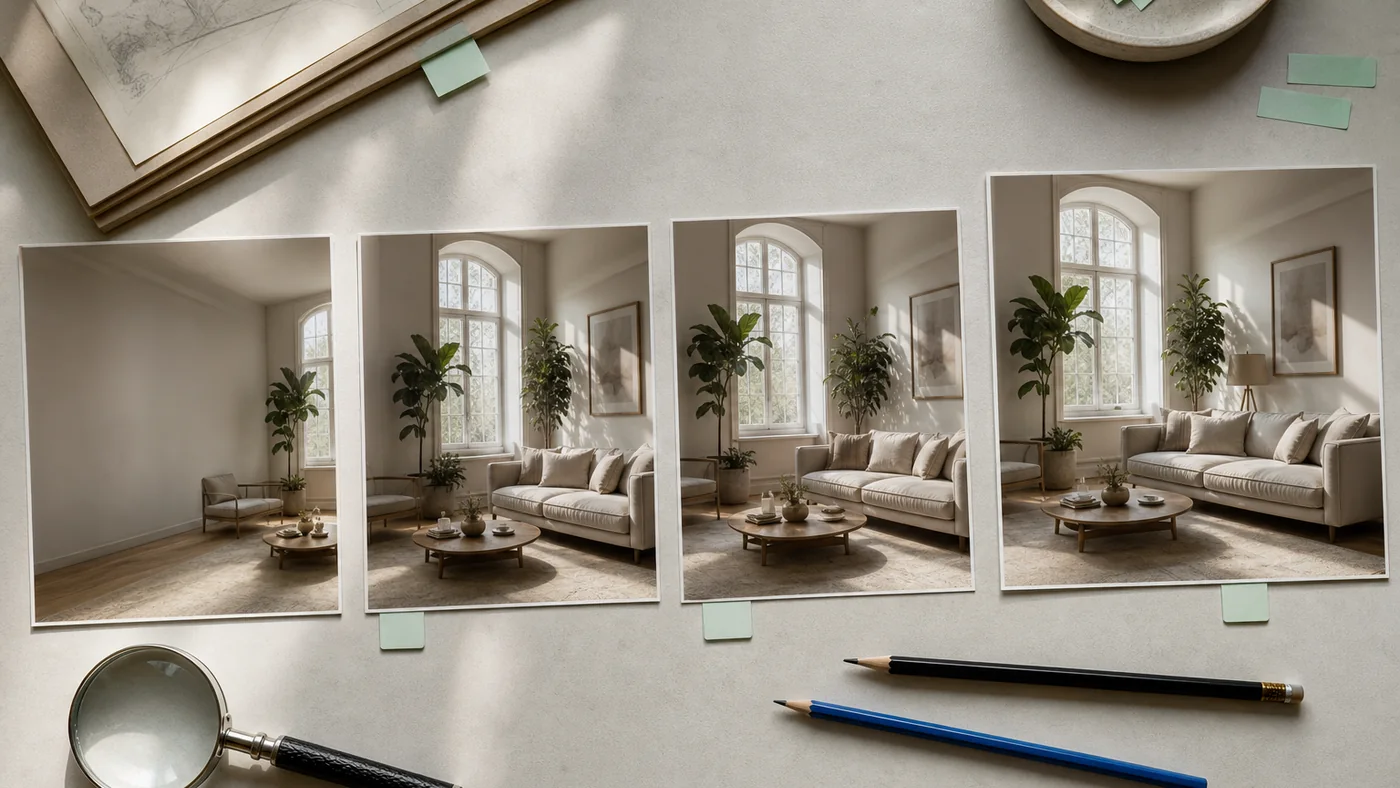
Diagnose the failure before rewriting
When a result is weak, the fastest response is often “make the prompt longer.” That can make the problem harder to see. First name the failure in visual terms: hierarchy is unclear, the camera is wrong, the lighting is flat, an object is duplicated, or the style conflicts with the subject.
Change the smallest variable that could correct that failure.
The subject does not lead
If the main subject feels lost, move it earlier in the prompt and reduce competing objects. State its position and relative scale. “Single red kayak occupying the lower center of a wide lake scene” is clearer than a general list of mountains, water, forest, sky, mist, birds, and boats.
Contrast can also establish hierarchy. Ask for a quiet background, a different value range, or selective focus instead of simply describing the subject as “important.”
The composition feels crowded
Crowding often comes from too many named elements or from asking every object to be detailed. Remove nonessential props and introduce negative space. Choose one camera distance and one point of view.
The lighting is muddy
Name a primary light source and direction. If you include multiple lights, make their roles distinct. “Soft window light from the right with a dim warm lamp in the far background” gives the model a hierarchy.
Muddy results can also come from contradictory cues such as overcast daylight plus hard noon shadows. Choose the condition that supports the mood.
Objects multiply or merge
Repeated small objects, fingers, furniture legs, and patterns remain challenging. Reduce count, increase separation, and define relationships. “Three cups evenly spaced in a row” is easier to evaluate than “many cups across the table.”
If exact count is essential, expect iteration and manual correction. Do not publish a near miss simply because the overall image looks convincing.
Text is incorrect
Short text may render well in some models, but exact typography still requires verification. Quote the required phrase, keep it short, and simplify the surrounding scene. For important labels, campaigns, legal copy, or packaging, add text later using a controlled type system.
Never assume a sign or background label is harmless. Generated text can accidentally resemble a real name or offensive phrase.
Style overwhelms the idea
Style stacks—cinematic, surreal, vintage, minimalist, maximalist, hyperreal, dreamy—can pull in incompatible directions. Choose one medium and two or three characteristics that support it.
Instead of “cinematic dreamy vintage modern photograph,” try “natural editorial photograph, muted warm palette, visible film grain.”
The image looks generic
Generic results often come from generic nouns and mood words. Add one meaningful relationship or material detail: the angle of a chair, the weather on a surface, the way a person interacts with an object, or the time of day affecting the setting.
Specificity should make the image more legible, not merely more decorated.
Use a controlled iteration log
Save the starting prompt and note one change per generation. Compare outputs at the same ratio. A simple log prevents circular editing and reveals which instructions the model follows reliably.
For a structured vocabulary, return to Writing Better Prompts and Lighting and Composition Terms.
More from the journal
View all articles →
Prompting
Writing Better Prompts for Grok Imagine
A practical framework for describing subject, setting, light, composition, and mood without burying the idea.
Read article
Composition
Choosing the Right AI Image Aspect Ratio
Match the canvas to the story, platform, and composition before you generate.
Read article
Technique
Lighting and Composition Terms for AI Prompts
A plain-English field guide to the visual terms that make prompts more precise.
Read article